What to Research Before a Sales Call: The 6-Point Checklist
The exact pre-call research checklist top reps use: company signals, attendee backgrounds, org structure, news, and triggers, in under 15 minutes.
Wondering what to research before a sales call? Six things, in this order: company fundamentals and recent news, the people who will be on the call, the org structure around your buyer, trigger events and buying signals, the prospect’s tech stack and current vendors, and every past interaction logged in your CRM. Cover those six and you can open with a relevant point of view instead of “so, tell me about your business.” The full sweep takes about 15 minutes once you have a routine, and the checklist below assigns a time budget to each item so you never spend 45 minutes researching a 30-minute call.
Why do most reps still walk in blind?
Most reps skip research because nothing immediately punishes them for it. The buyer punishes them later, silently, by not booking the next meeting. Buyers say 58% of their meetings with sellers don’t provide value, according to RAIN Group’s Center for Sales Research. Those are meetings the buyer agreed to take, and more than half were a waste of their time.
The cost of showing up unprepared is just as well documented. LinkedIn’s State of Sales research found that 77% of decision makers won’t engage with salespeople who don’t have insights or knowledge of their business. You don’t get a warning. The buyer answers politely, says “send me some information,” and disappears.
The fix is not heroic effort. It is a repeatable checklist, the backbone of any serious approach to sales call preparation, with hard time limits per item.
The 6-point pre-call research checklist
A pre-call research checklist is a fixed list of information sources you review, in the same order and within set time budgets, before every scheduled sales call. The fixed order matters as much as the content: it stops you from rabbit-holing on LinkedIn for 25 minutes and never opening the CRM.
Here is the full checklist with time budgets for a standard discovery or first call:
| # | Research item | Primary sources | Time budget |
|---|---|---|---|
| 1 | Company fundamentals and recent news | Website, newsroom, Google News | 3 min |
| 2 | The people on the call | LinkedIn profiles, company bio pages | 4 min |
| 3 | Org structure and decision dynamics | LinkedIn org browsing, job postings | 2 min |
| 4 | Trigger events and buying signals | Funding news, hiring pages, press | 2 min |
| 5 | Tech stack and current vendors | Job postings, review sites, careers page | 2 min |
| 6 | Past interactions in your CRM | CRM activity log, email threads | 2 min |
| Total | 15 min |
If you only have five minutes, do items 2, 6, and 1, in that order. Knowing the people and your own history with the account beats knowing their funding round.
The budgets assume you do this daily and have your tabs and saved searches ready. If you are building the habit from scratch, start with a repeatable pre-call research routine and expect each item to take roughly double at first.
1. What company fundamentals should you check first?
Start with four facts: what the company sells, who they sell it to, roughly how big they are, and what has changed in the last 90 days. That last part is where most reps stop short. Static facts make you sound informed; recent changes give you something to actually talk about.
In your three minutes, hit:
- Homepage and product pages. How do they describe themselves? Mirror their language on the call.
- Newsroom or blog. Skim the last quarter’s headlines for launches, hires, or new markets.
- A news search on the company name, past three months: funding, layoffs, acquisitions, executive changes.
- Revenue and headcount estimates, so you can calibrate which customer stories will land.
Assume the buyer has done the same homework on you. HubSpot’s 2024 Sales Trends Report found that 96% of prospects research before talking to a sales rep, and 71% would rather do their own research than talk to a rep at all.
Write down one sentence: “Company X does Y for Z, and the most notable recent thing is W.” If you cannot fill in W, you have not finished this step.
2. Who exactly is on the call, and what do they care about?
Research every confirmed attendee, not just the person who booked. This is the highest-value item on the list, which is why it gets the biggest budget. Spend about two minutes per attendee on LinkedIn and note:
- Role and tenure. Someone six weeks into a VP job is shopping for early wins. Someone six years in is protecting a system they built.
- Career path. A VP of Operations who came up through finance will ask cost questions. One who came up through the warehouse floor will ask workflow questions.
- Recent activity. Posts, comments, or shared articles tell you the topics already on their mind.
- Mutual connections. A genuine shared contact is the fastest trust shortcut available.
One caution: reference what you learned naturally, not performatively. Reciting someone’s resume back to them is unsettling.
3. How does the org structure shape the deal?
Your goal in two minutes is a sketch, not a census: who does your contact report to, who reports to them, and which adjacent teams touch the problem you solve. That sketch tells you whether you are talking to the economic buyer, a champion who must sell internally, or a researcher gathering options for someone else.
Browse the company’s people on LinkedIn filtered by department. Look for the layer above your contact (the likely budget holder), peers who would feel the impact of a change, and any role like “RevOps” or “Procurement” that signals a formal buying process.
A first call only needs the rough shape. You can build the full committee view later with a proper approach to mapping deal stakeholders once multiple people are involved.
4. Which trigger events and buying signals matter?
A trigger event is a change inside the prospect’s business that creates new pressure to act: a funding round, an executive hire, an expansion, a regulation. Triggers explain why now. A prospect with a live trigger has a deadline; one without is comparison shopping.
In two minutes, check for:
- Funding or financial events. New capital means growth targets and budget.
- Leadership changes. New executives typically review vendors in their first two quarters.
- Hiring surges or freezes. Postings signal investment; a freeze signals do-more-with-less pressure, which is its own trigger.
- Expansion or contraction. New offices, markets, or product lines, or closures and layoffs.
If you find a trigger, build a question around it rather than a statement. A question does far more work than congratulations.
5. What can the tech stack and current vendors tell you?
The tools a prospect already runs tell you how mature their process is, what they are used to paying for, and who you are actually displacing. Most deals are not against a competitor in the room. They are against the current way of doing things, and you should know what that is before you dial in.
Fastest sources, in order:
- Job postings. Listings name required tools with remarkable honesty. “Experience with NetSuite and a homegrown TMS” is a competitive briefing in one line.
- Review sites. Search the company name to see what their employees have reviewed.
- Careers and engineering pages. Many companies list their stack outright.
If they use a direct competitor, prepare for “how are you different” without bashing anyone. If they run on spreadsheets and email, your competition is inertia, and your discovery questions should quantify its cost.
6. What should you pull from your own CRM?
Check your CRM last, but never skip it, because nothing torches credibility faster than ignorance of your own company’s history with the account. Two minutes covers it: previous opportunities and why they closed or died, every contact your company has touched, recent marketing engagement, and how this meeting came to exist.
That last point deserves special attention. A prospect who requested a demo after reading your pricing page is in a completely different conversation than one a colleague cold-called. Also check whether anyone at the account used your product at a previous job. Former users are the warmest path into any account, and they are routinely missed because nobody looked.
Turning research into three call-ready talking points
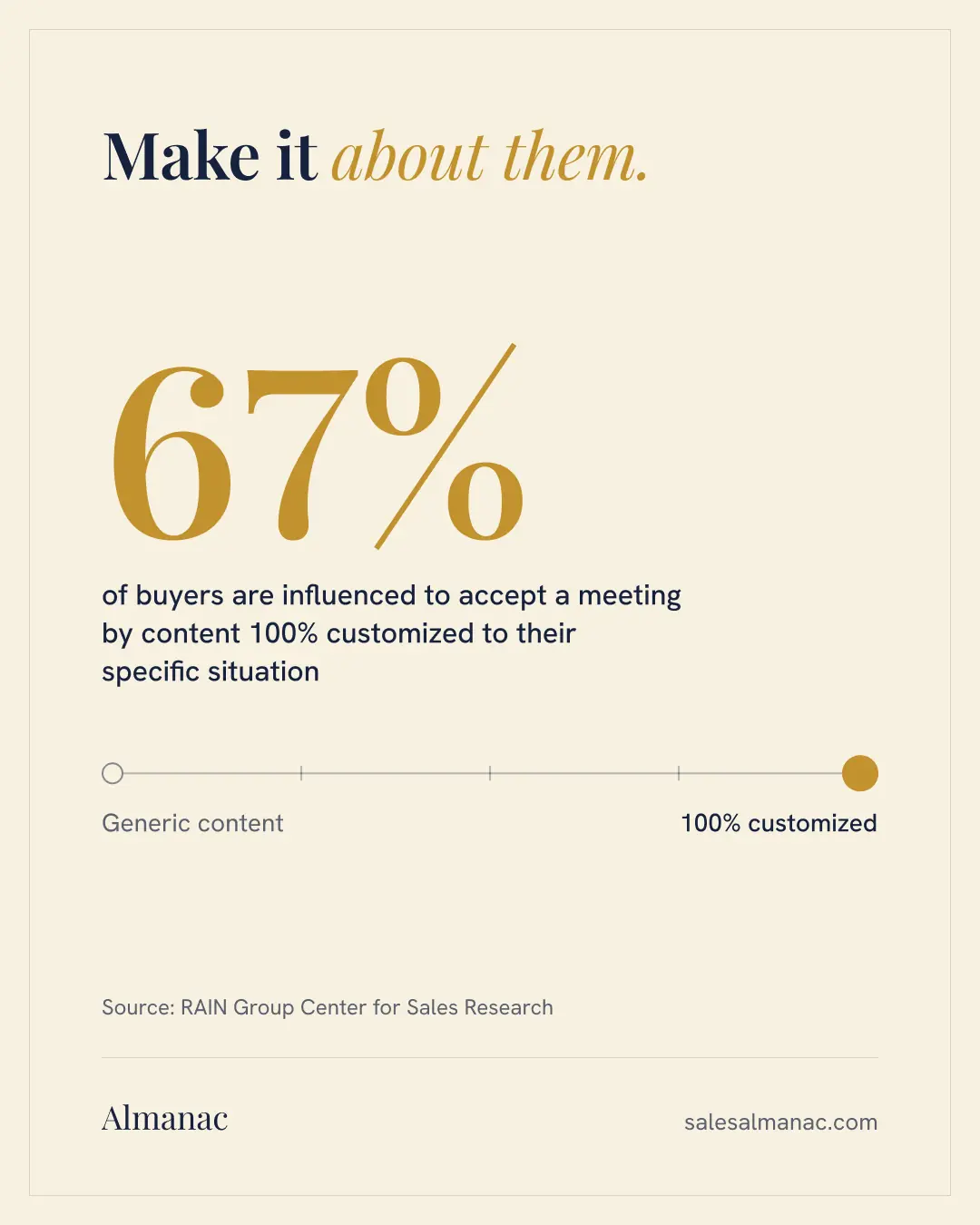
Research only pays off if it compresses into something you can use live. Reps who do this well end their prep by writing exactly three talking points: one insight, one hypothesis, and one relevant proof point. This matches what buyers reward; RAIN Group found that content customized to their specific situation influences 67% of buyers to engage.
Here is a worked example. The call: a 30-minute discovery with Dana Reyes, VP of Operations at Meridian Freight, a 200-person regional logistics company. Fifteen minutes of research surfaced a new Dallas cross-dock facility announced in April, Dana’s promotion from Director eight months ago, four open “operations analyst” postings that all mention Excel and a legacy TMS, and a colleague’s dead 2024 opportunity lost to “no decision.”
The three talking points:
- Insight (from triggers and stack): “Most regional carriers we work with hit a wall on manual exception handling somewhere between two and four facilities. With Dallas coming online, where is that load landing today?”
- Hypothesis (from the people and org research): “Given you stepped into the VP seat recently and you’re hiring four analysts, my guess is you’re trying to build reporting muscle before peak season. Is that close?”
- Proof point (matched to their size): “A 250-person carrier we work with cut exception resolution from two days to four hours. Happy to share how, if it’s relevant.”
Plus one honest opener from the CRM: “I know our teams spoke in 2024 and the timing wasn’t right. I’d rather start from what’s changed than re-run that conversation.”
Six chips name the research areas: company basics, people on the call, org structure, triggers, tech stack and your CRM. They pair up and merge into three gold cards: one insight, one hypothesis and one proof point, the three talking points to bring into the call.
Almanac, the 6-point pre-call research checklist
Manual research vs an automated pre-call brief
Everything above is doable by hand, and you should do it by hand long enough to know what good looks like. The cost is 15 minutes per call, which across five or six daily calls eats real selling time, plus the consistency problem: on busy days, research is the first thing reps cut.
This is the gap pre-call intelligence tools are built to close. Almanac, for example, assembles a brief before you join: who is on the call and their roles and tenure, recent company news, a map of the likely buying committee, how the prospect found you, and your relevant talk tracks preloaded. The checklist stays the same; the gathering stops being manual. Whether you build the brief yourself or have it built for you, the standard holds: never join a call without one.
Frequently asked questions
How long should pre-call research take?
About 15 minutes for a first call with a new prospect, using fixed time budgets per source. For later-stage calls with familiar accounts, a five-minute refresh (new news, new attendees, CRM activity since last touch) is usually enough. If research regularly takes 30+ minutes, you are collecting information you won’t use on the call.
What is the most important thing to research before a sales call?
The people on the call, by a wide margin. Company facts are table stakes, but calls are won person to person. Knowing each attendee’s role, tenure, and background lets you calibrate your questions, examples, and proof points to what they personally care about. Your own CRM history with the account is a close second.
What should you research for a follow-up call versus a first call?
For a follow-up, shift from external research to internal review: re-read your notes from the last call, confirm the agreed next steps, and check the invite for new attendees, who get the full person-level treatment from item 2. Then do a two-minute external refresh for news published since you last spoke.
Can you over-research a prospect?
Yes, in two ways. You can spend selling time gathering facts that never affect the conversation, and you can use personal details in ways that feel invasive. Stick to professional, public, business-relevant information, time-box the work, and remember the goal is three usable talking points, not a dossier.